O3 Code 2.0 is in open beta!
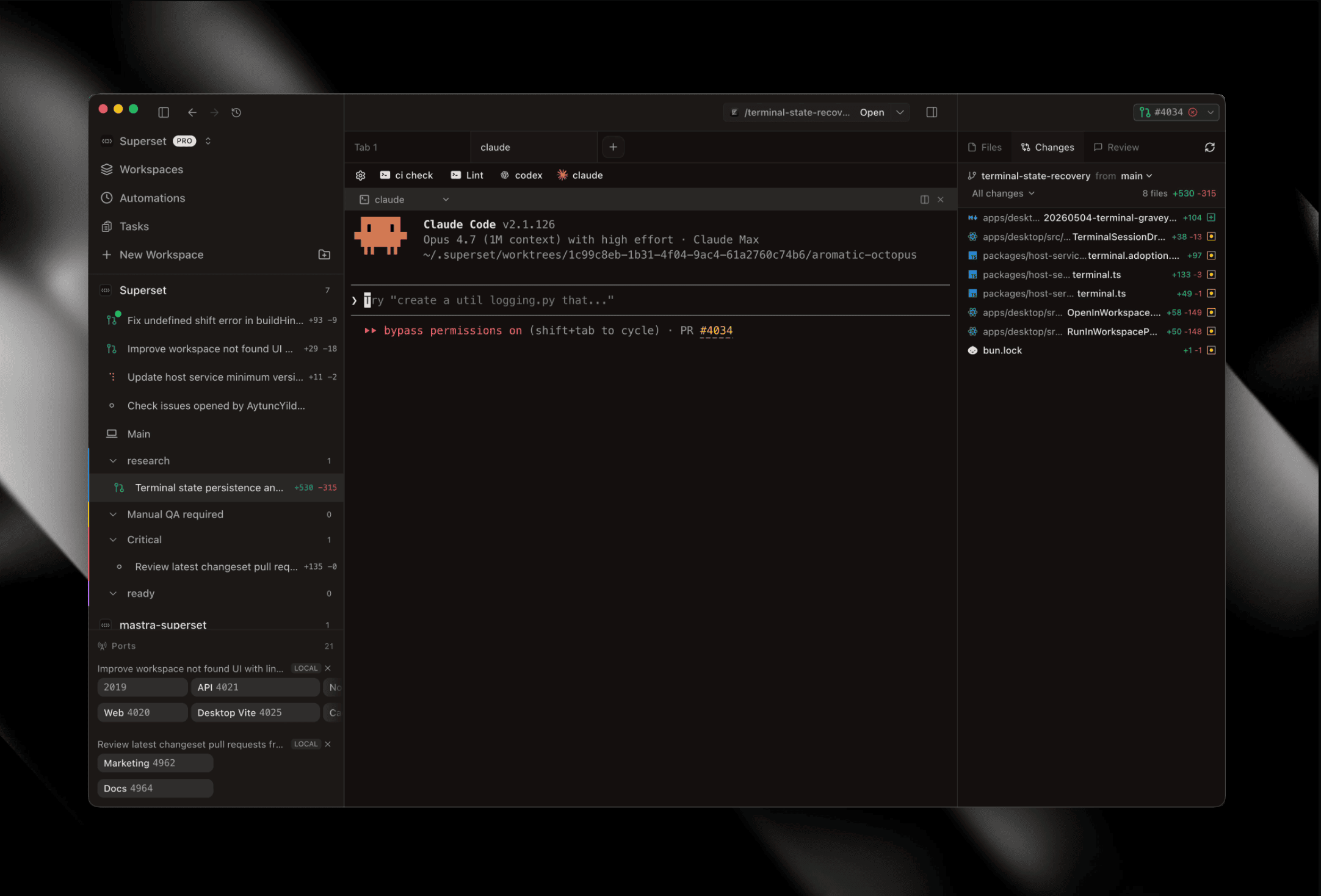
O3 Code 2.0 is in open beta. Enable it under Settings → Experimental #3748 — it's a 2-way door, and your v1 workspaces and sessions stay put when you flip back.
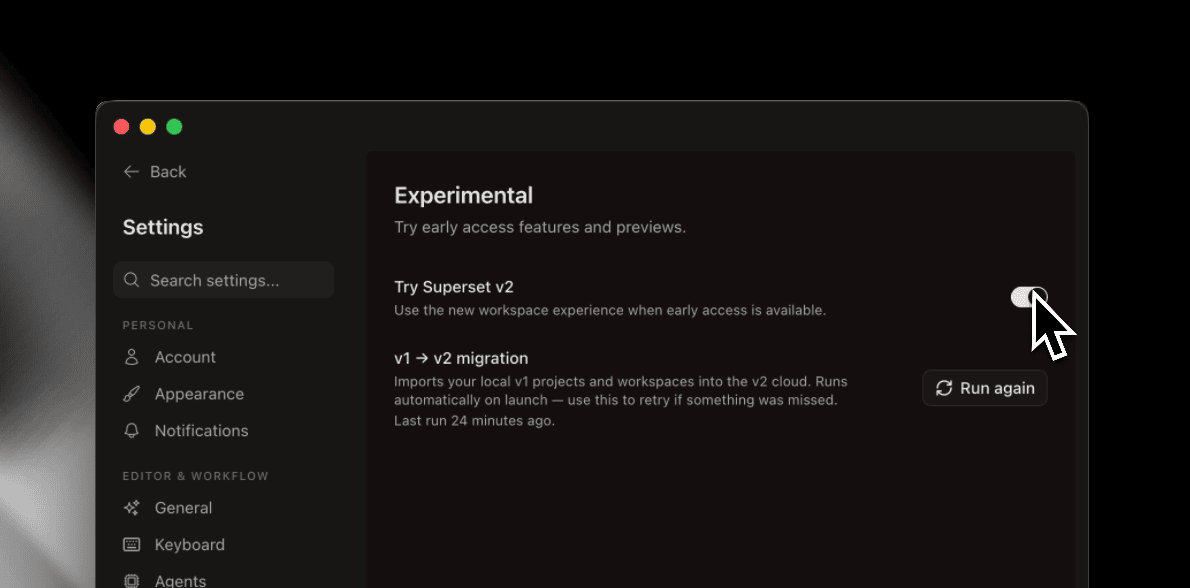 Settings → Experimental — Try O3 Code v2 toggle and v1 → v2 migration
Remote workspaces
Every workspace in 2.0 is a cloud workspace. Point your local app at any O3 Code device on the same network — a beefier box across the room, a cloud VM, a teammate's host — and run workspaces on it as if they were local. Terminal, file editor, and chat all behave the same way #3566 #3606, and ports running on the remote surface in your sidebar so your local browser can hit them #3676.
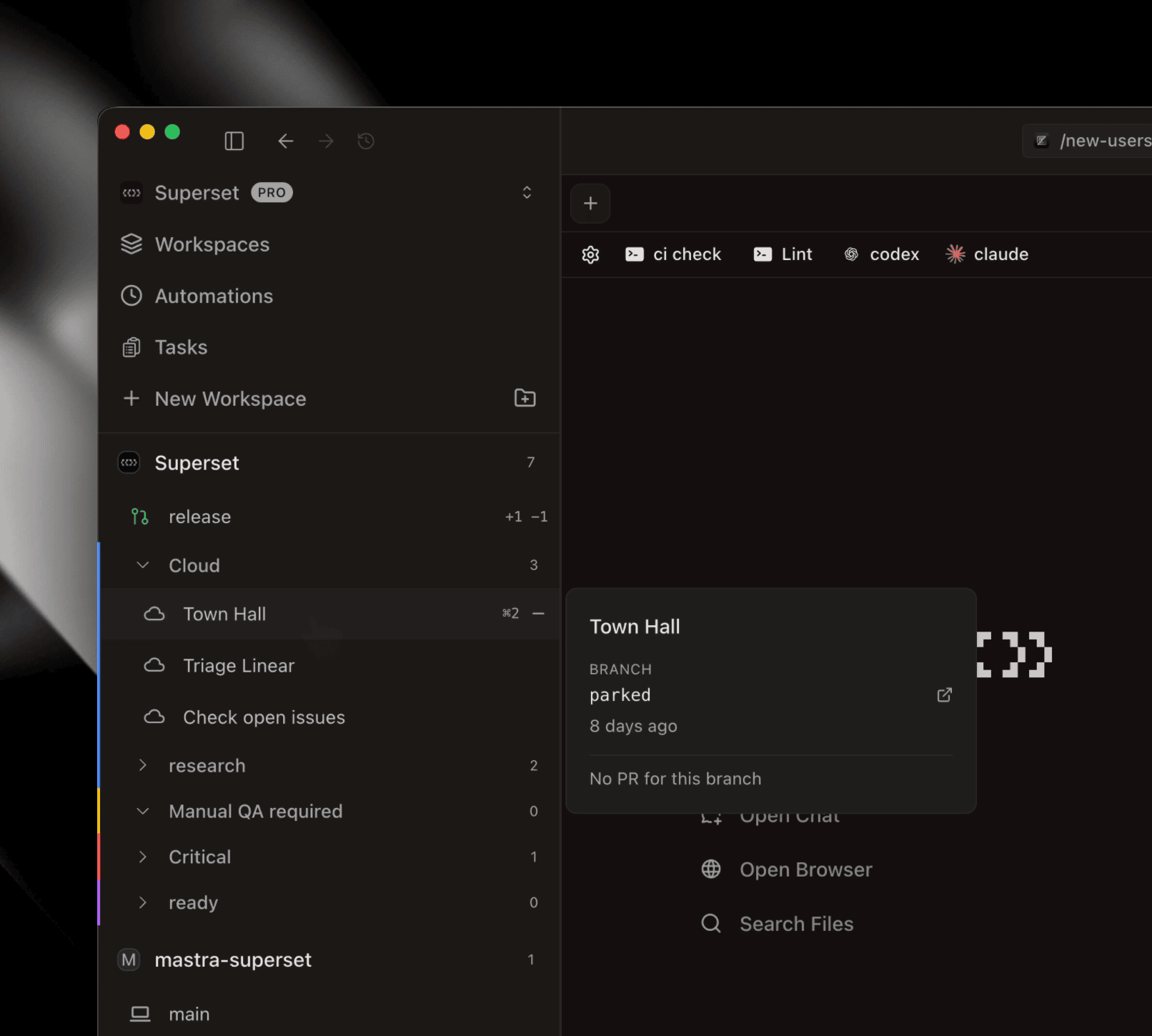 Sidebar with a Cloud workspace group and a remote workspace hover card
Reimagined diff view
The diff viewer is rebuilt to feel like reviewing a PR on your machine — one infinite-scroll diff with a compact sidebar of changed files, per-file viewed state #3715 #3776, and shift/cmd-click selection across the file list #3683.
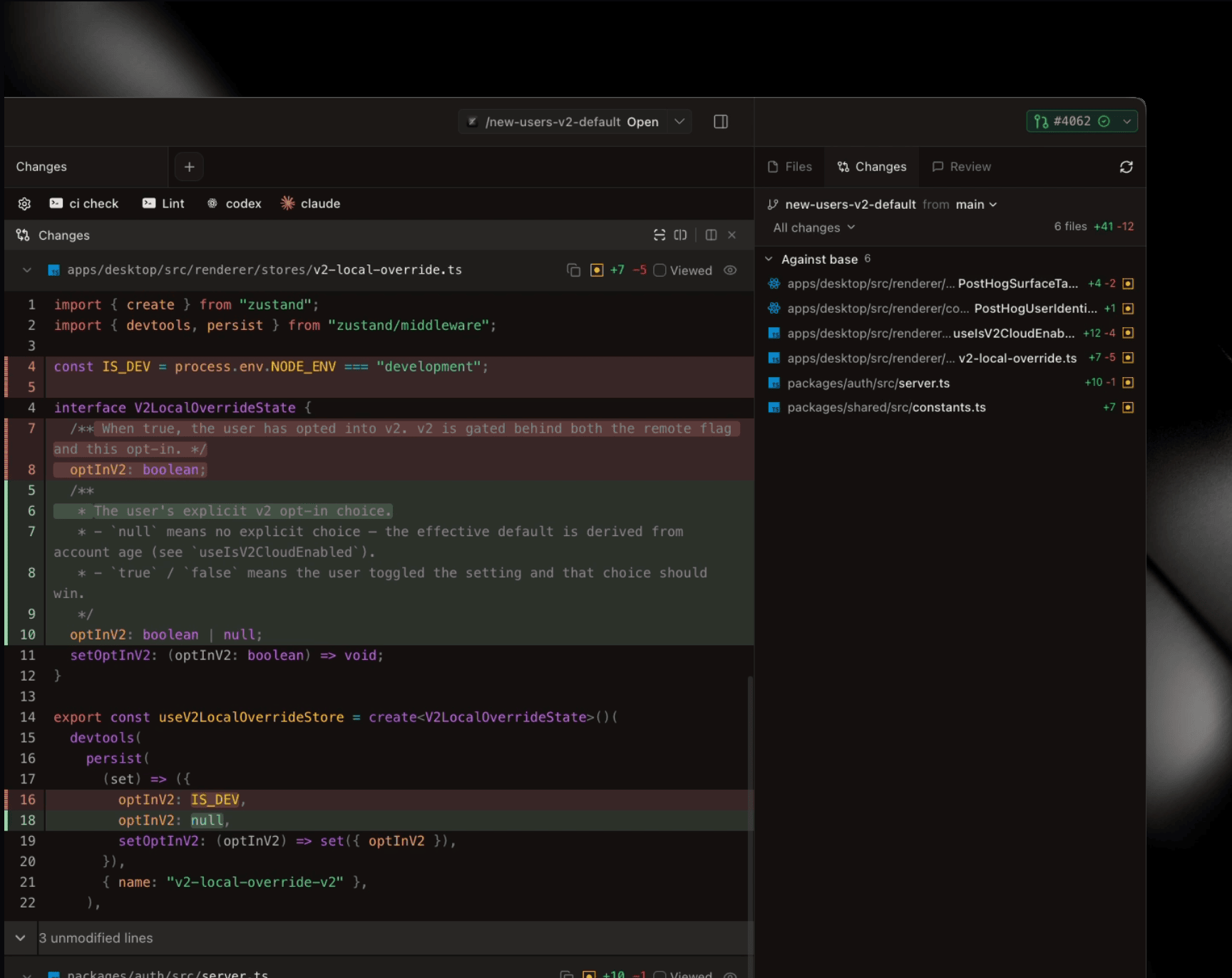 v2 Changes pane — infinite-scroll diff with compact file sidebar and review tab
O3 Code CLI
The o3-code CLI is a single static binary that drives the same backend as the desktop app. Sign in with o3-code auth login, then create workspaces, tail terminals, and trigger automations from your shell or CI #3638 #3640.
A real IDE shell
Tab → Split → Pane with drag-and-drop everywhere — drop panes onto the tab strip to spawn tabs #3809. File tree with git decorations, file editor, a browser pane that keeps state across switches, a fresh terminal (XTerm.js + WebGL, kitty keyboard, OSC links, search), and Electric collections with optimistic updates #3722 — all in one window.
Migration in place
1.x projects and workspaces port directly into 2.0 #3670. The migration is org-idempotent #3775 #3781 #3783, and the migration modal only shows on first onboard #3816.
Also shipped this week
v2 project setup
- Create or import a project from v2 #3566, with name inferred from folder #3605
- v2 project settings + setup/relocate path #3606, wired into sidebar #3592
- Non-setup projects route to settings from the new-workspace modal #3626
- Auto-create a v2 main workspace on host project setup #3632
- Keypad loading screen ported to v2 #3788
Scheduled agent runs #3576
Automations now run on a cadence — same execution path as a manual run.
Sidebar
- Persistent hover card showing branch/PR/status #3813, rename branches inline from it #3793
- PR state shown as the workspace icon #3694, local/remote/offline state on icons #3649, pending workspaces pinned to top #3655
- AI generates title + branch together on workspace create #3692
- Sortable v2 workspaces table #3660
- Refreshed icons #3755 #3800, branch row dropped (lives in hover card) #3733, open state persists across workspaces #3656
- Group management — inline rename on create, cleaner ungroup/delete, hover-only actions #3745
- Mark-as-unread #3773 clears on click #3765, notification hooks play client-side #3675
Cross-workspace terminals
- Terminal session dropdown lists shells from every workspace #3751 with live shell/process titles #3740
- Hide other-workspace sessions if you'd rather scope to current #3774
Chat & markdown
- GPT-5.5 #3808 and Opus 4.7 #3579 in v2 chat
- Mermaid diagrams in markdown pane #3642, Tiptap tables #3719
- v1 review comments open in a pane #3596
- Chat double header collapsed #3805, comment headers consolidated #3803
Improvements
- Diff pane file viewer (Shift-click for new tab) #3715, tighter file headers #3776, shift/cmd-click selection #3683
- Configurable v2 link-click behavior #3600, Copy Branch Name in context menus #3635
- v2 terminal hotkeys backported to v1 #3724, narrow pane header responsiveness #3737, terminal drop hover animation #3769, Ghostty keyboard model #3700
- v2 file-open honors CMD+O editor choice #3674, agent selection honored in new-workspace modal #3699, task title used as workspace name #3678
- "Also delete local branch" persists #3681, worktrees under
~/.o3/code/worktrees/<projectId>#3669, AI workspace naming on v2 create #3654 - Workspace setup loader keypad + scrolling steps #3647, safer terminal agent preset defaults #3546, scaffolded PR action header (gated) #3777
Beyond v2
- Hosts settings page for managing host access #3768
- /pricing page + redesigned header/footer IA #3639
- Marketing product menu simplified, yearly discount surfaced #3691
Bug fixes
- Terminal — sleep lifecycle #3711, OSC links #3736, resize #3739 #3756, paste auto-submit #3582, Unicode 11 buffer #3581, Shift+Enter in TUIs #3667, connection diagnostics #3801
- v2 stability across workspace switches #3687, browser passthrough on resize #3744
- Git correctness — upstream/3-dot/numstat #3543, cross-fork PR attribution #3625, branch-only workspace status #3295
- Sidebar — new workspaces at top of project #3619, hide rows during destroy #3621, sync #3746, no nav-away on delete #3771, active selection after removal #3767 #3741, delete toast + switch #3661, project settings route #3592, scrollable project dropdown #3628
- Long workspace names wrap in v1 hover #3603, no overflow on create-error page #3718, DevicePicker dedupe #3593
- AI naming for OAuth-only users #3580,
ask_uservs sandbox prompt #3662, no spurious folder picker on settings nav #3602 - Host services survive app update #3620, restart adoption #3732, tray org name #3629, ports dropdown failed-host indicator #3787, duplicate clone URLs allowed #3723
- Automations — list flicker #3772, timezone scheduling #3738
- Security —
shell.openExternalURL allowlist #3650, uuid GHSA-w5hq-g745-h8pq #3680